Camera RAW
Canon CR3, ready for the batch.
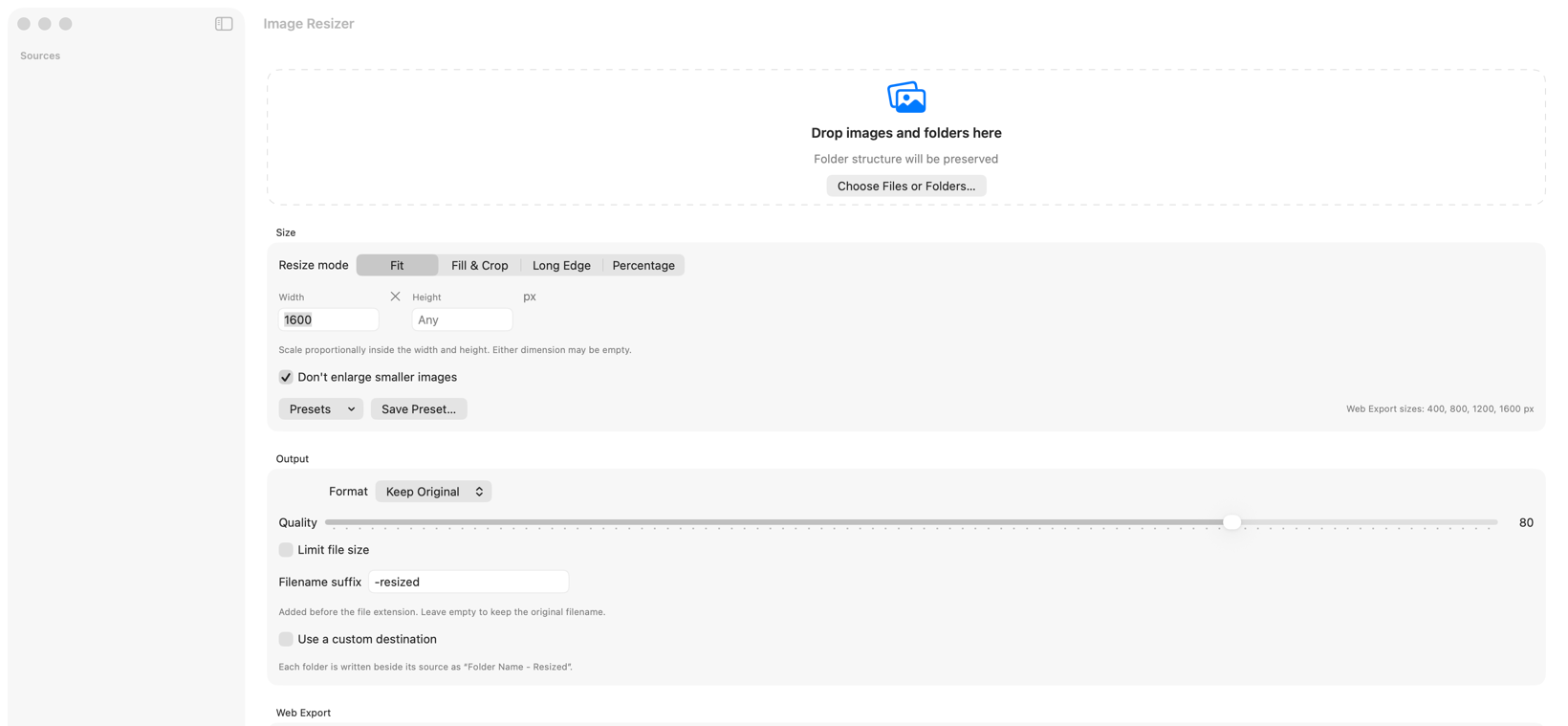
Image Resizer uses the colour-rendered preview stored inside a Canon CR3 file, preserving the camera’s orientation and producing a dependable export without uploading the RAW file.
What gets resized
A CR3 contains RAW sensor data plus embedded rendered previews. Image Resizer selects the best suitable embedded colour preview and applies the recorded orientation before resizing it.
This is designed for fast delivery copies, web images and proofs. It is not a RAW developer and does not replace colour grading in tools such as Capture One or Lightroom.
Output behaviour
When “Same as source” cannot produce another RAW file, Image Resizer safely falls back to JPEG. You can also choose JPEG explicitly and add a target file-size limit.
Your original CR3 remains untouched; the resized file is written to the output folder.
Compatibility
Canon CR3 is the camera RAW format currently supported and tested by this release. Other source formats include JPEG, PNG, HEIC, TIFF, GIF and WebP.
If a particular CR3 does not render as expected, send the camera model and macOS version to support. Share a sample only when it is safe to do so.
Turn a CR3 folder into delivery-ready copies.
Download for Mac — free